
Track Smarter.
See your field team — live.
R
Rahul
P
Priya
A
Amit
Po
Pooja
S
Suresh
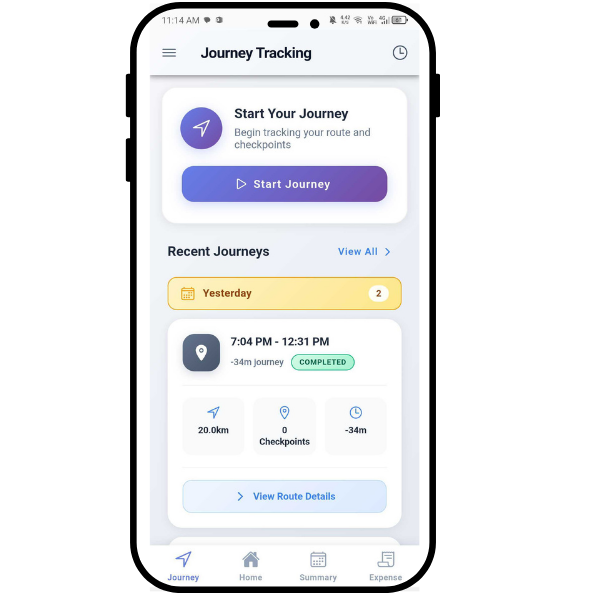
A team member writes what they found — access details, site conditions, who to ask for. Captured in the app with the location attached, it is there for whoever covers that stop next.
Note Capture
Attached
With The Office
Visit Record
Notes are written in the app at the stop, not typed up later from memory. The location comes along automatically, so the note is anchored to the place it describes.
Client visits are already recorded in the journey timeline with their timing and duration. A note written on that visit becomes part of the same record instead of living in someone’s messages.
Because the journey draws the full GPS trail with every stop marked, a note can be read in place — you see the route in, the stop itself and what was written there.
Capture an image on the same visit as the note.
Arrival, departure and duration on every stop.
Stops carry a reverse-geocoded address.
The note sits in the day’s full event list.
Visits roll up per client with a running total.
Replay the trail to see the run in context.
Check the site against real imagery.
Written on the phone, in the field.
Notes written in the field app arrive with their location and stay attached to the visit. Start your free trial today.